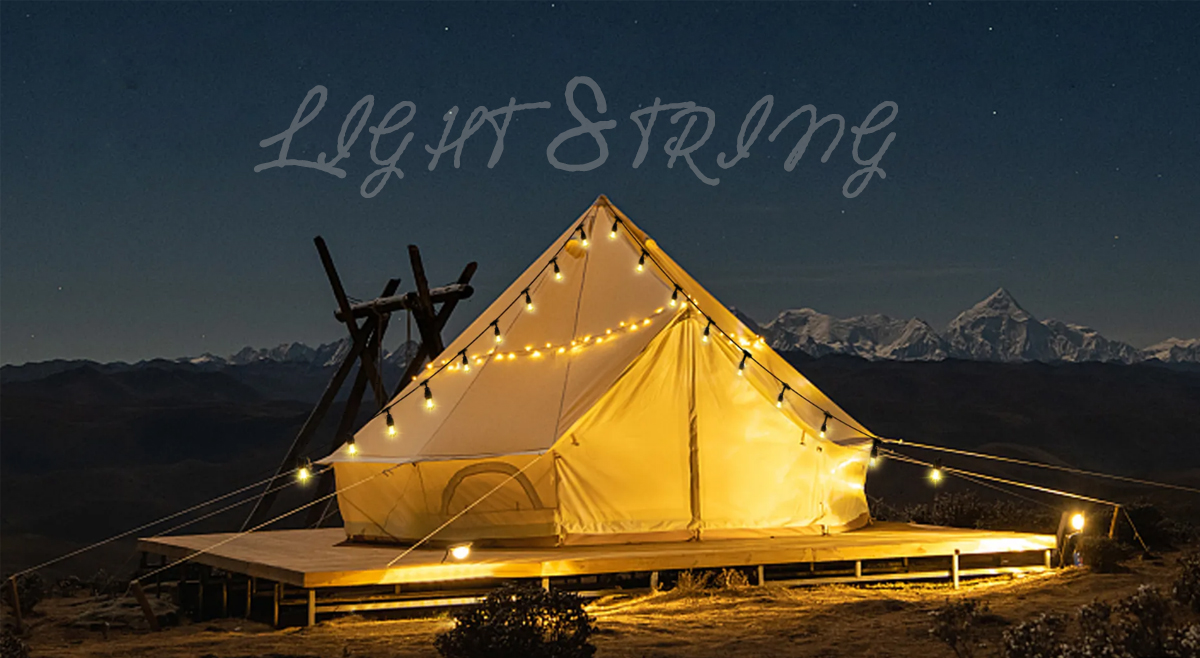

How to Connect Christmas Lights to a Computer
Christmas lights are a popular decoration during the holiday season, and many people enjoy adding a touch of festivity to their homes by hanging strings of twinkling lights. However, have you ever thought about connecting your Christmas lights to your computer? It may sound unusual, but it's actually quite simple and can add a fun and personalized touch to your holiday display.

To connect Christmas lights to a computer, you will need a few supplies, including LED lights with a USB connector, a computer with an available USB port, and possibly some additional software, depending on the type of lights you're using. Here's a step-by-step guide on how to do it:
1. Choose the Right Lights: First, you'll need to select LED Christmas lights that come with a USB connector. These lights are designed to be powered by a USB port, making them compatible with computers and other USB-enabled devices. You can find these lights at most holiday and electronics stores, and they come in a variety of colors and styles to suit your preferences.
2. Plug in the Lights: Once you have your LED lights, simply plug the USB connector into an available USB port on your computer. If you have multiple sets of lights, you can plug them in one by one to create a custom display. Many LED lights also come with a remote control or smartphone app, allowing you to adjust the brightness, color, and patterns of the lights directly from your computer.

3. Install Additional Software (If Needed): Depending on the specific type of LED lights you have, you may need to install additional software to control the lights from your computer. Some lights come with their own software for customizing the display, while others can be controlled using third-party software or apps. Check the manufacturer's instructions for details on any required software, and follow the installation steps to set it up.
4. Customize Your Display: Once everything is connected and any necessary software is installed, it's time to get creative! Use the software to customize your light display, choosing colors, patterns, and effects to suit your style. You can even synchronize the lights to music or create a personalized light show that will dazzle your friends and family.
Connecting Christmas lights to your computer is a fun way to add a high-tech twist to your holiday decorations. Whether you're hosting a festive gathering or simply want to enjoy a unique display in the comfort of your own home, this creative project is sure to bring holiday cheer to all who see it. So, why not give it a try and brighten up your holiday season with a bit of computer-controlled magic? Happy decorating!




viber
skype

whatApp

telegram
 Chinese
 English
 Arabic
 France
 Spain
Spain
 Portugal