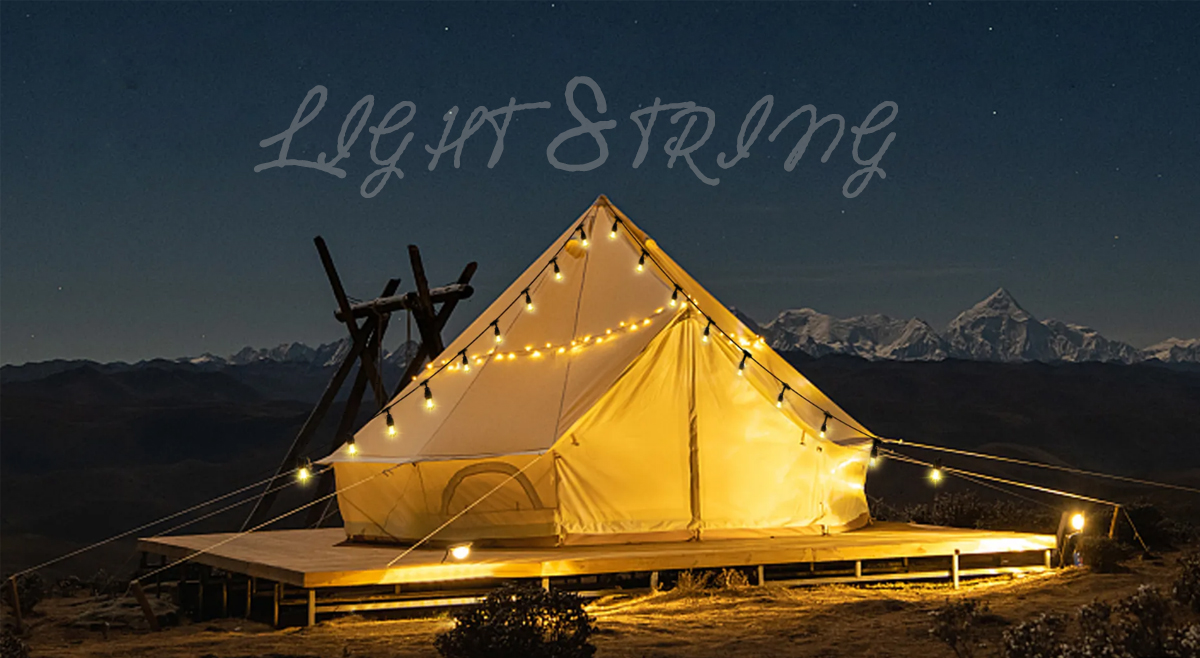

How to Connect Bluetooth Speaker with Christmas Lights String
The festive season is all about sparkling lights, beautiful decorations, and joyful music. And what better way to combine these elements than by connecting your Christmas lights string with a Bluetooth speaker to fill your home with cheerful tunes? In this article, we'll show you how to easily and effectively connect your lights and music to create a magical holiday atmosphere.

Firstly, you will need a Bluetooth speaker that is compatible with your Christmas lights string. Make sure the speaker is fully charged and turned on. Then, locate the Bluetooth button on the speaker and press it to enter pairing mode. You should see a flashing light or hear a voice prompt indicating that the speaker is ready to pair.
Next, it's time to prepare your Christmas lights string. Ensure that the lights are plugged in and functioning properly. Look for the control box or power supply of the lights, as this is where you will connect the Bluetooth speaker. Most modern Christmas lights strings come with built-in Bluetooth connectivity, usually in the form of an app or remote control. Follow the instructions provided with your lights to enable the Bluetooth feature.
Once your Bluetooth speaker and Christmas lights string are ready for pairing, it's time to connect the two devices. Open the Bluetooth settings on your smartphone, tablet, or any other compatible device and search for available devices. Your Bluetooth speaker should appear in the list of available devices. Select the speaker to initiate the pairing process and wait for the connection to be established.

After successfully pairing the Bluetooth speaker with your device, you can now proceed to connect it with the Christmas lights string. Depending on the specific model of your lights, you may need to follow the instructions provided in the user manual or app. In general, you will need to locate the Bluetooth settings on the control box or app and select the paired speaker from the list of available devices.
Once the Bluetooth speaker is connected to the Christmas lights string, you can start playing your favorite holiday music to accompany the twinkling lights. Use your device to select the desired songs or playlists and adjust the volume to create the perfect ambience for your festive celebrations.
Keep in mind that the range of Bluetooth connectivity may vary depending on the specific models of your speaker and lights. It's recommended to keep the devices within close proximity to ensure a stable connection. Additionally, make sure to charge your Bluetooth speaker as needed to avoid interruptions during your holiday gatherings.

In conclusion, connecting a Bluetooth speaker with a Christmas lights string is a simple yet effective way to bring music and merriment to your holiday decorations. By following the steps outlined in this guide, you can create a magical atmosphere that combines the beauty of twinkling lights with the joy of festive music. Get ready to spread holiday cheer with this enchanting combination of lights and melodies!






viber

skype

whatApp

telegram
 Chinese
 English
 Arabic
 France
 Spain
Spain
 Portugal